


Create your textile or print graphic design easily
Publicado el 22 February, 2021
Pattern design offers a very wide range of possibilities. Many times we mistakenly believe that graphic design knowledge is necessary to make a correct pattern, but nothing could be further from the truth.
In this post we will tell you all the tricks you can use to create something unique and outstanding with just your ingenuity.
Digitize your art
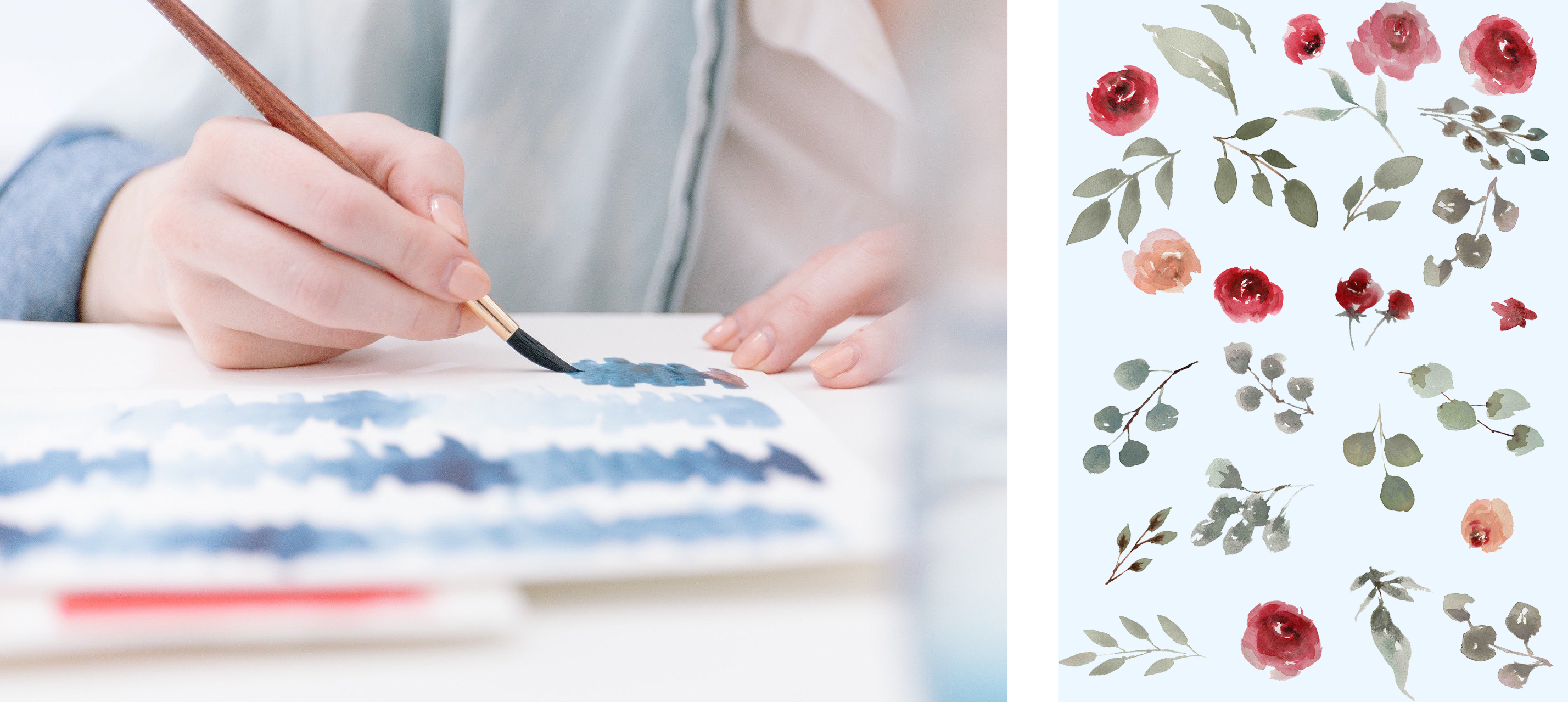
Many artists prefer traditional drawing for their patterns, so they prepare their design on paper, paint it if necessary with the tools they consider, and finally digitize it. The scanner is the best friend of these artists who prioritize craftsmanship over digital.
To create a repetitive pattern (a rapport) you don't need to use any specialized program. You can create a drawing in which the elements are as close as possible to the edge of the drawing, so that when the repetition occurs, there are no unpleasant gaps and it gives a sense of continuity.
Manual patterns
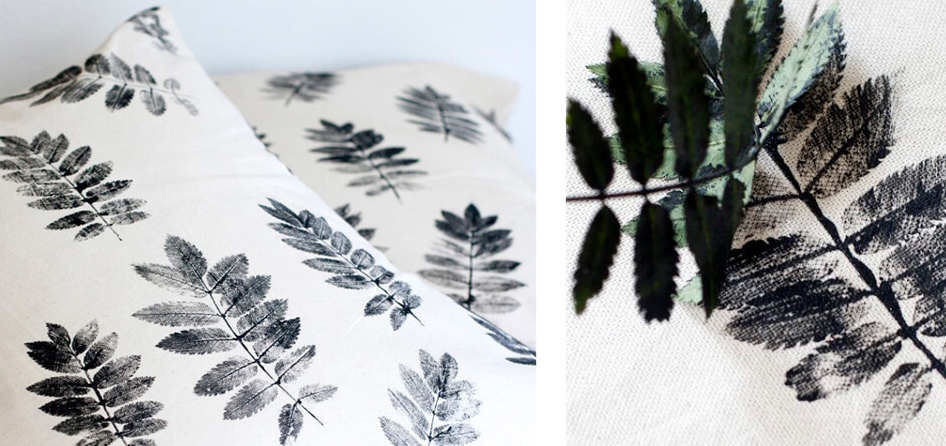
There are also simpler and more fun ways to create patterns without the help of any Graphic Design program.
Let your imagination run wild and create totally original designs with objects you can find anywhere in your home or even in the surroundings. Create floral elements with the help of a little paint and flowers, or make stencils with erasers or even potatoes.
Remember that it is best to leave the elements very close to the edge so that when repeating the design there are no gaps.Once the pattern is made, you just have to scan it and send it to us!
Online design programs
1. Canva
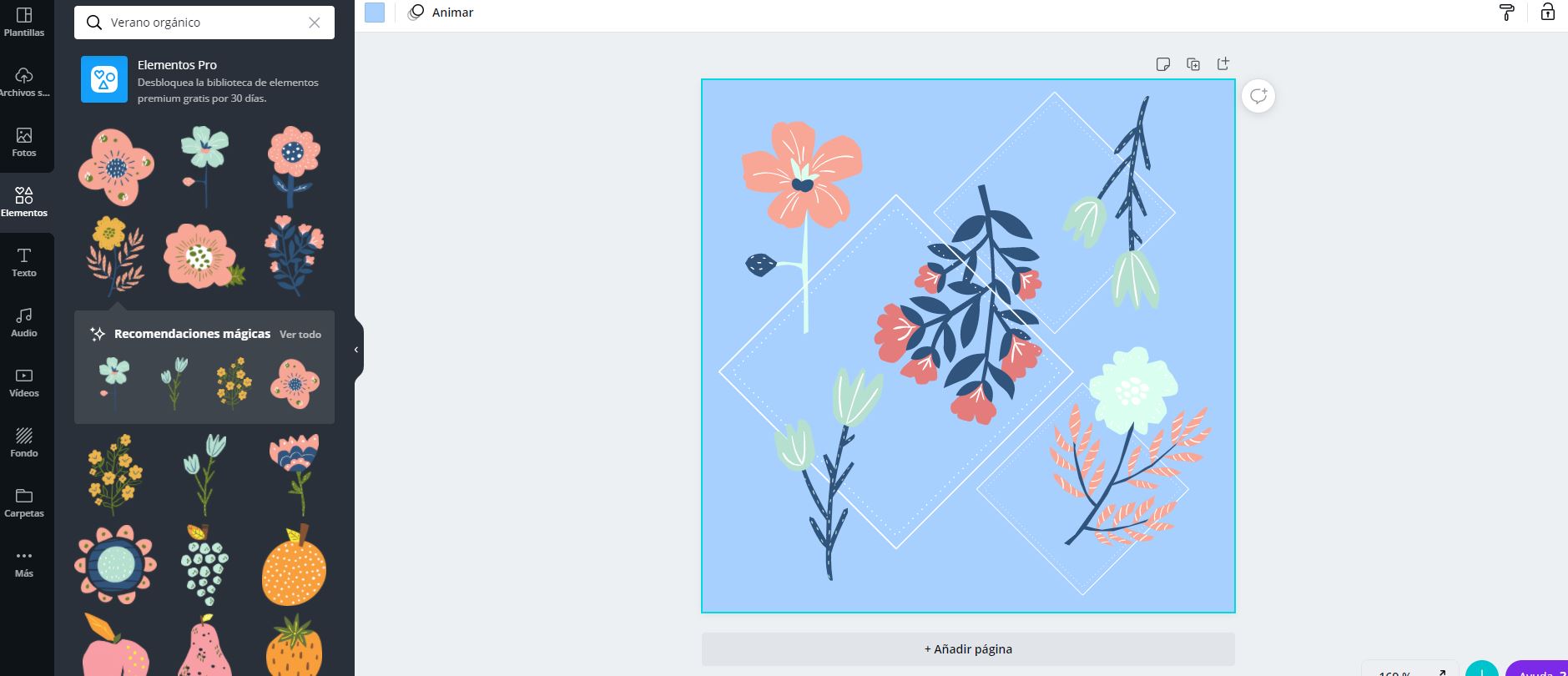
Canva is a very intuitive online program that allows you to create a template of custom size (you can select the measures you want) with high resolution. There are different elements that can serve as inspiration and even allows you to alter the colors and upload your own drawings to create a totally unique pattern.
Simply click on "Create Design", "Custom Size", insert the desired measurements and start designing!
Once the design is created (remember to fill all possible spaces if you don't want unwanted gaps) download it directly in JPG.
2. Autodraw
Autodraw, unlike Canva, has an incredible predictor that no matter what you draw, it will suggest different shapes and elements that you can alter in terms of colors, sizes or orientation. This is achieved through tools such as Autodraw, from which it takes its name.
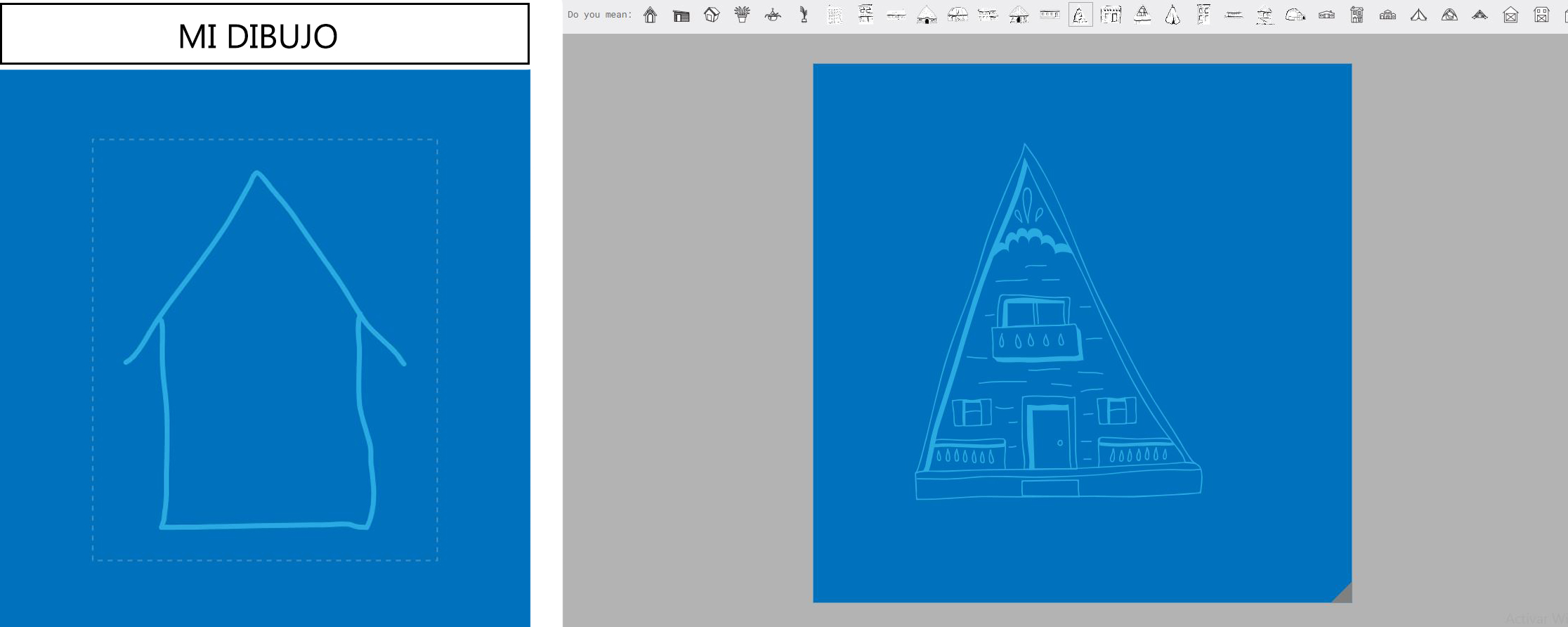
The downside is that you cannot choose the size your design will have, so once saved (it is saved in PNG obligatorily), you will have to open it in Paint, for example, and change both the size and the format (save the image in JPG).
Remember that if you need help with your patterns, do not hesitate to contact us at info@waixo.com and our Graphic Design Department will solve all your problems.